
This weekend's dumps
Checking the forecast for 116 resorts…
Coming weekend
Forecast loading

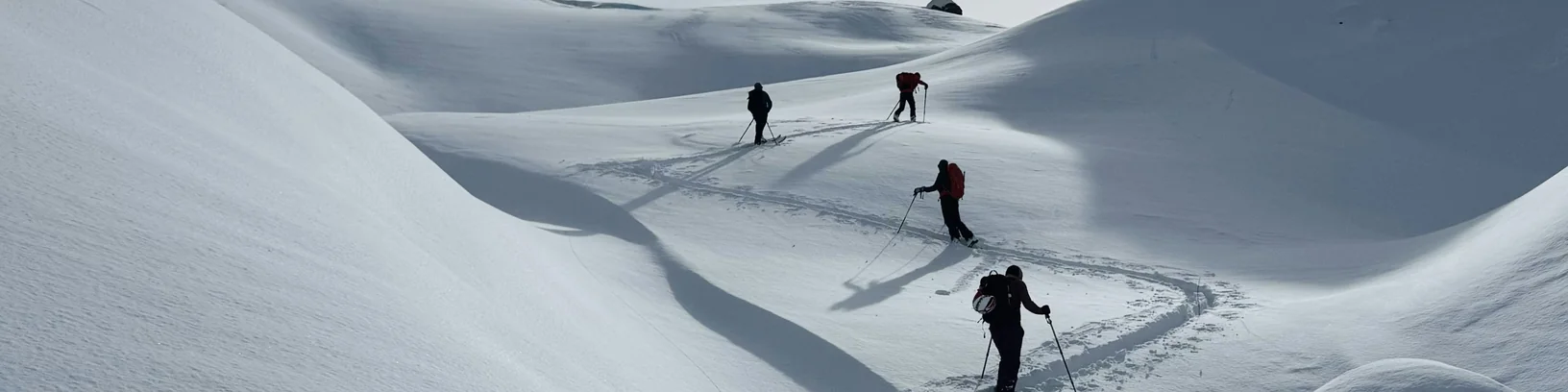
Webcams provided by windy.com — add a webcam
Fresh snow in the five days before Saturday across 116 resorts, checked four times a day, ranked with sun, rain, wind, day-pass price and resort size. EPIC is 50 cm or more, GREAT 30, GOOD 15.
Get the call →
Real snow.
Not a forecast you forgot to check.
How it works
- 1
Answer five questions
Crew size, budget, how far you'll go, what kind of trip, and how much snow is worth a ping.
- 2
Join your channel
Continue with Discord and your crew's private channel in the Snowcaller server is ready. Send your friends the join link.
- 3
Get the call
Snow and a free weekend line up? We post the pick. Tap "Let's go" for dates, travel, beds near the lifts and a rough price per person, with links to book.
We only ever send links. Nobody books or pays through us.
A private channel. No server to set up.
Every crew gets its own channel in the Snowcaller server on Discord. Only your crew can see it: snow calls, trip plans and your own chat about who's in. All you need is a Discord account.
Snowcaller is in the chat too. Say its name or @-mention it and it answers: where the snow is, which resort fits, how to get there, a full plan for Saturday. It stays out of your banter.
Get your Snowcaller
Crewpass Valid every dump Get
yours
→
Five questions. One channel. No more planning in the group chat.
What we keep
We store your answers to the 5 questions and your crew's channel ID. No emails, no tracking. Discord shows who's in your channel; we don't keep a list.
One exception: when your crew organises a trip with Snowcaller, it keeps the Discord name and user ID of everyone who votes in that trip's poll, so it can say who books what and who owes whom. That is deleted a month after the trip, or at once when you forget your crew.
Snowcaller reads the messages in your crew's channel so it can answer. When it replies, the recent messages go to Anthropic's Claude, which writes the answer. We don't store your messages.
To delete your crew and its channel, use the "forget my crew" link from the success page. Forget my crew.